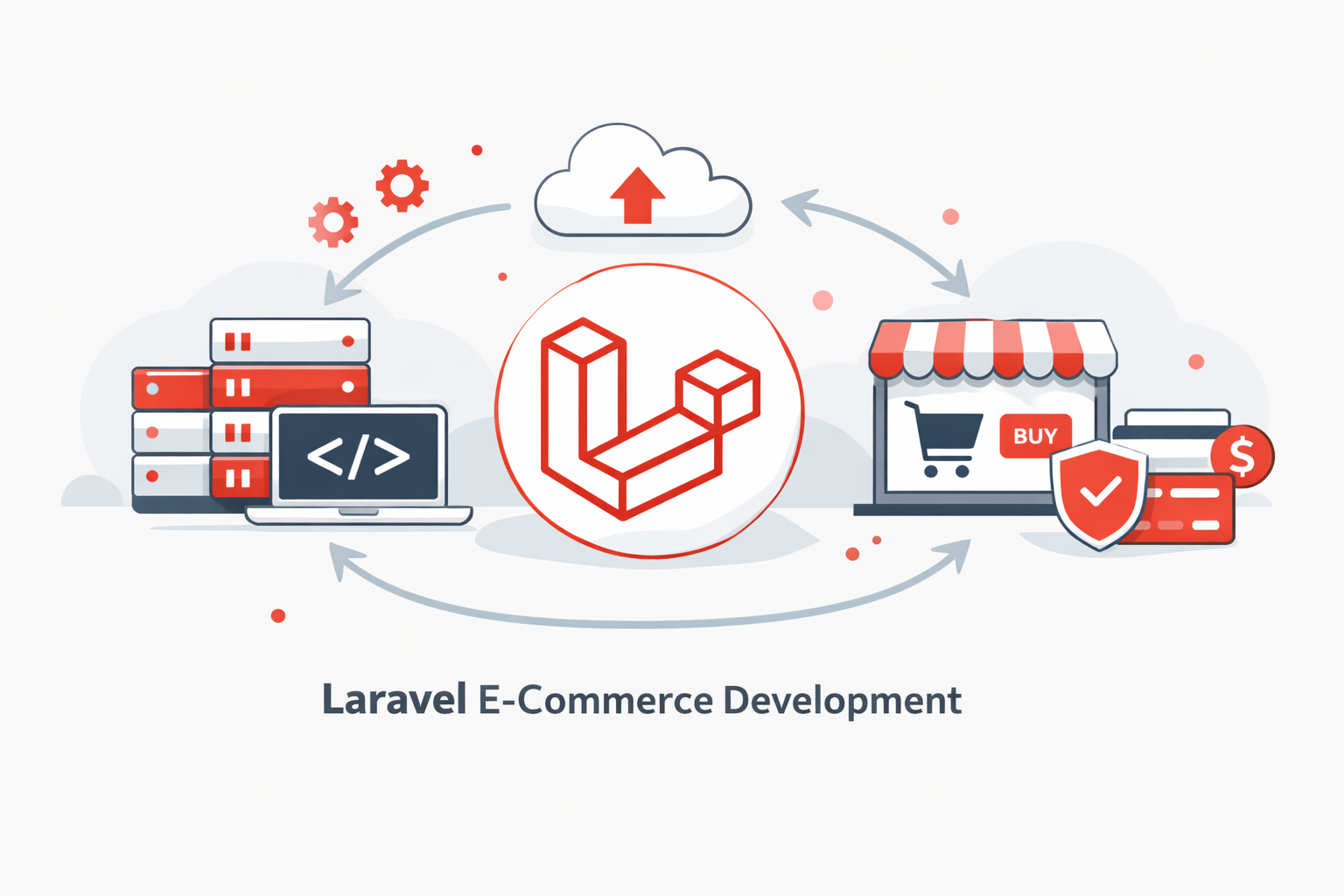
Laravel e-commerce development is the ideal solution for businesses that need a scalable, high-performance, and fully customizable online store. Unlike template-based platforms, a custom Laravel e-commerce platform gives you complete control over features, performance, payment integrations, and business logic. If you’re looking to build e-commerce with Laravel instead of relying on Shopify or WooCommerce, this 2026 guide explains everything from essential features and Laravel shopping cart setup to costs, timelines, and real-world case studies.
Why Choose Laravel for E-commerce Development?
Laravel shines in Laravel e-commerce development due to its developer-friendly features that prioritize scalability and performance. Unlike rigid platforms, Laravel offers unlimited customization, allowing you to implement custom business logic tailored to your brand, think personalized recommendation engines or loyalty programs that boost customer retention.
One major advantage is the absence of transaction fees. Platforms like Shopify charge 2-3% per sale, but a custom Laravel e-commerce build lets you keep every penny while integrating seamless payment flows. Scalability is another win: Laravel handles high traffic with tools like caching and queue management, ensuring your site doesn’t crash during sales peaks. Performance is optimized out-of-the-box with Eloquent ORM for efficient database queries, making your Laravel online store load faster than competitors.
For businesses with unique needs, Laravel’s ecosystem supports complex logic, such as dynamic pricing or subscription models, without third-party dependencies. Its active community provides endless resources, reducing development time and costs. In short, if you’re aiming for a future-proof Laravel e-commerce platform, Laravel delivers performance, security, and flexibility that generic tools can’t match.
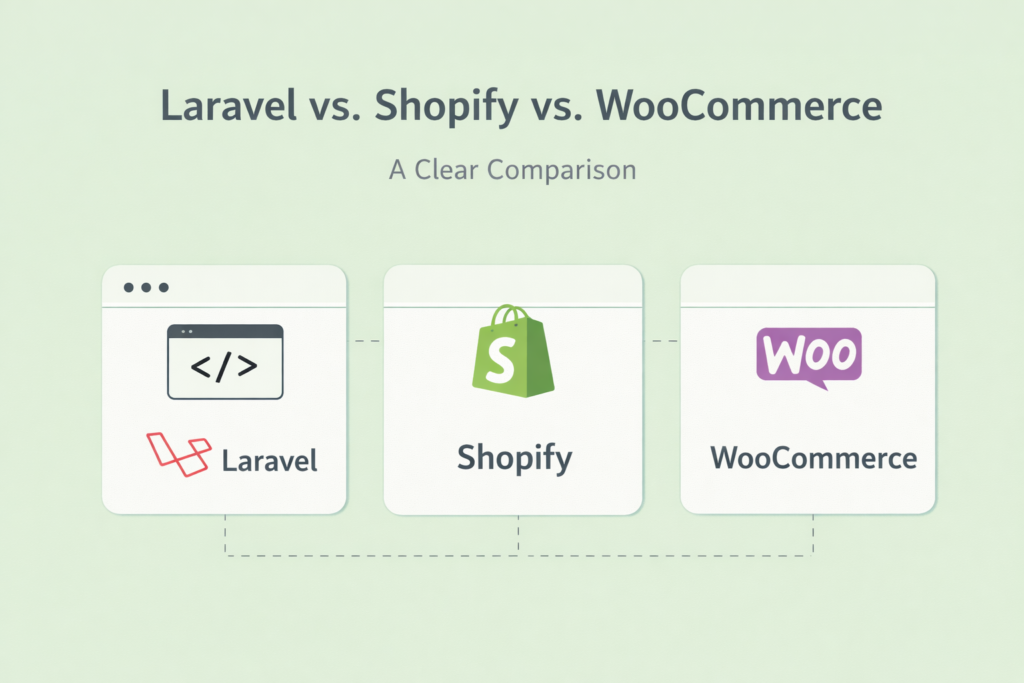
Laravel vs. Shopify vs. WooCommerce: A Clear Comparison
When deciding on your e-commerce build with the Laravel approach, comparing it to Shopify and WooCommerce highlights Laravel’s edge for custom needs. Shopify is user-friendly for beginners, offering drag-and-drop themes and built-in hosting, but it locks you into its ecosystem with high fees (up to $2,000/month for advanced plans) and limited code access. WooCommerce, a WordPress plugin, is free and customizable via plugins, yet it struggles with scalability for large inventories and requires constant maintenance to avoid security vulnerabilities.
Here’s a quick comparison of Laravel vs Shopify vs WooCommerce for businesses considering Laravel e-commerce development:
| Feature | Laravel | Shopify | WooCommerce |
| Customization | Unlimited (full code access) | Limited (apps and themes) | High (plugins, but code-heavy) |
| Transaction Fees | None | 0.5-2% per sale | None (but hosting costs) |
| Scalability | Excellent (caching, queues) | Good (but app-dependent) | Moderate (needs optimization) |
| Performance | High (optimized queries) | Fast, but slows with apps | Variable (depends on hosting) |
| Security | Built-in (encryption, auth) | Strong, but vendor-managed | Good, but plugin risks |
| Cost (Initial) | $40K-$120K (custom build) | $29-$299/month | Free (plus $500-$5K setup) |
| Best For | Custom, high-traffic stores | Quick setups, non-tech users | Small blogs-turned-stores |
Laravel beats Shopify for businesses needing bespoke features like multi-vendor support, while outperforming WooCommerce in speed and security for enterprise-level Laravel e-commerce development. If your store requires unique integrations, Laravel’s MVC architecture ensures long-term efficiency.
Essential E-commerce Features in Laravel
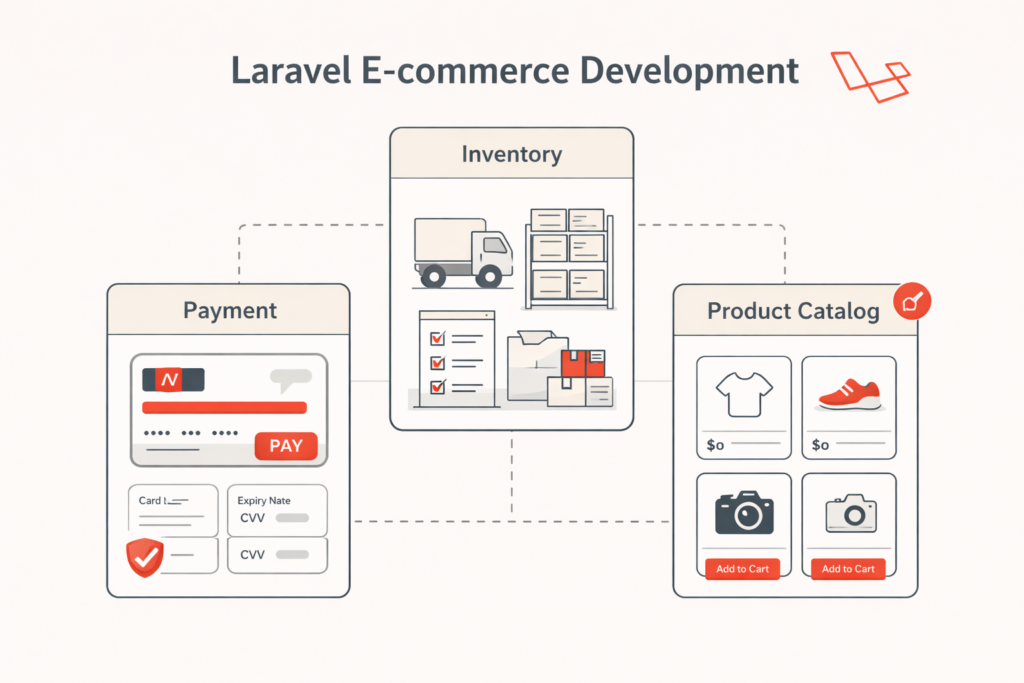
A successful Laravel online store relies on core features that enhance user experience and drive sales. Start with a product catalog: Use Laravel’s Eloquent models to manage categories, variants, and SEO-friendly URLs, allowing dynamic filtering by price, color, or size.
The Laravel shopping cart is straightforward to implement with packages like Darryl/laravelshoppingcart, supporting session or database storage for guest and logged-in users. Add items, update quantities, and apply coupons seamlessly essential for reducing cart abandonment. Checkout flows should be streamlined: Integrate one-click options, address validation, and order summaries to minimize friction.
Beyond basics, include payment gateways, order management for tracking statuses, and inventory tools to prevent overselling. Shipping integrations calculate rates in real-time, while customer accounts enable wishlists, order history, and reviews—boosting loyalty and SEO through user-generated content. Wishlists let users save items for later, increasing return visits. These features make your Laravel e-commerce platform intuitive and conversion-focused.
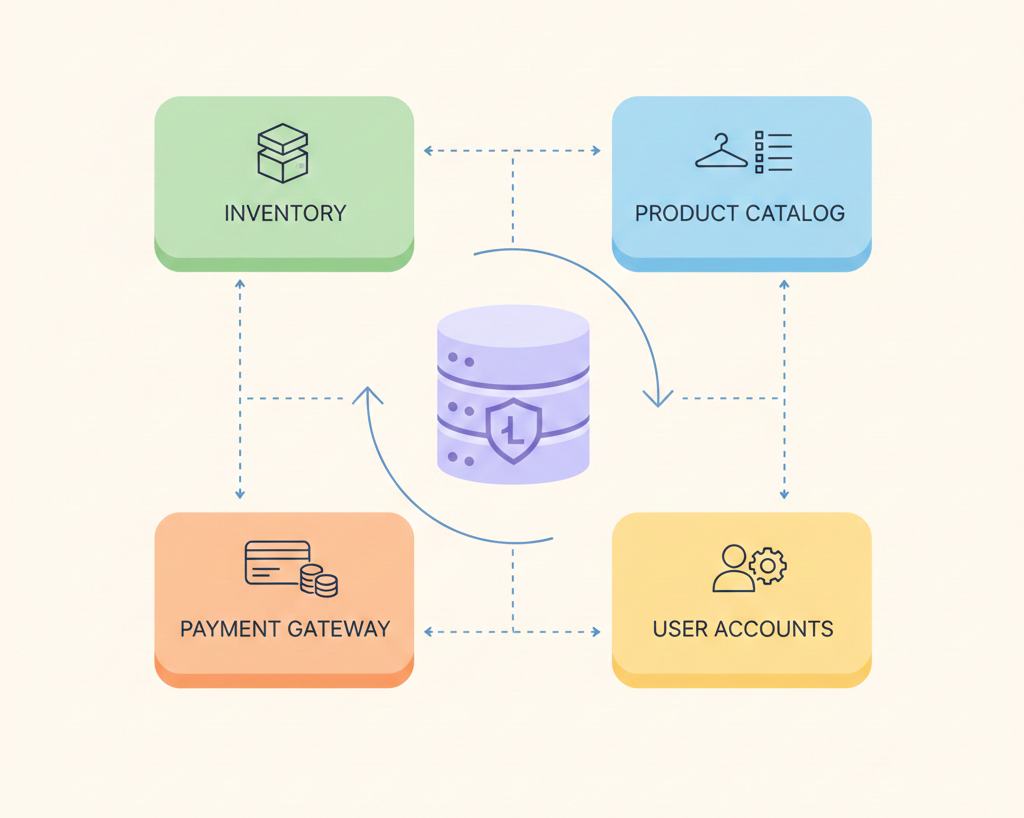
For visual clarity, here’s a simple e-commerce architecture diagram concept (imagine a flowchart): User → Product Catalog (Eloquent Models) → Shopping Cart (Session/DB) → Checkout (Validation) → Payment Gateway → Order Management (Queues) → Inventory Update. This modular setup ensures smooth data flow.
Recommended Laravel E-commerce Packages
To accelerate building e-commerce with Laravel, leverage proven packages. Bagisto tops the list as a free, open-source Laravel e-commerce platform with multi-vendor support, mobile app integration, and a Vue.js frontend for blazing speed. It’s ideal for marketplaces, handling everything from catalogs to payments.
Aimeos offers high-performance for large-scale stores, supporting multi-language, SEO tools, and API-first designs perfect for international custom Laravel e-commerce. For lighter needs, Laravel Shopper provides an admin panel with inventory and order tools, extensible via modules. Other notables include Vanilo for B2C simplicity and Lunar for headless setups, allowing decoupled frontends like React.
These packages cut development time by 50%, with Bagisto and Aimeos leading in 2025 for their scalability and community backing. Choose based on your scale: Bagisto for full marketplaces, Aimeos for speed.
Accepting Payments Securely: The Heart of Your Laravel Shopping Cart
At the core of any online sale is a smooth, secure payment process. A clunky checkout can lose you a customer for good. With a custom Laravel e-commerce solution, you have the flexibility to offer the payment options your customers trust most.
Stripe: The Developer’s Favorite for a Reason
Stripe is like a universal translator for credit card payments. It’s known for being incredibly easy to integrate and highly secure. When you build e-commerce with Laravel, using Stripe is a popular choice because it just works.
- How it works: You add a special “Stripe toolkit” to your project, connect your Stripe account with secure API keys, and then you can create checkout pages in minutes.
- What it offers: Stripe handles everything from credit and debit cards to modern wallets like Apple Pay and Google Pay. It takes care of the complex security, so you don’t have to.
PayPal: Tapping into a Global User Base
Many customers prefer to use their PayPal balance for online shopping. By integrating PayPal, you open your doors to this massive, loyal user base. The process is straightforward: a customer chooses to pay with PayPal, you send them to PayPal’s secure site to approve the payment, and then they return to your store to complete the order.
Going Global with Local Payment Methods
One of the biggest advantages of a Laravel e-commerce platform is the ability to integrate with any payment method. While platforms like Shopify might limit you, a custom build can connect to local favorites. For example, in Bangladesh, integrating bKash is essential for reaching the local market. This is done by connecting to bKash’s custom API, something only a flexible platform like Laravel can do with ease.
A Simple Step-by-Step Payment Integration Overview
While a developer handles the code, it’s helpful to know the general process:
- Install the Package: The first step is to add the payment processing toolkit (like Laravel Cashier for Stripe) to your project.
- Configure Your Keys: You securely connect your store to your payment provider account (Stripe, PayPal) using unique keys. This is like giving your store a secure password to talk to the payment service.
- Create the Checkout: Your developer sets up the page where customers enter their payment details.
- Handle the Confirmation: After a payment is made, the payment service sends a signal (a “webhook”) back to your store to confirm the transaction was successful. This is when you update the order status from “pending” to “paid.”
- Test Everything: Before going live, you use a “sandbox” or test mode to simulate transactions without using real money.
This setup ensures you are PCI compliant, a set of rules for handling card data. The key is that your Laravel shopping cart never stores sensitive card information on your server—it’s all handled securely by the payment gateway.
Building a Multi-Vendor Marketplace with Laravel
Want to build the next Etsy or a specialized B2B marketplace? You can transform your Laravel e-commerce platform into a thriving multi-vendor hub. This allows multiple sellers to register, manage their own products and inventories, and process orders, while you, the admin, oversee the entire operation and take a commission.
- How it works: Using packages like Bagisto or Aimeos, you can create seller dashboards where vendors can upload products, view their sales, and request payouts.
- Security and Permissions: Laravel’s robust permission systems ensure that a seller can only see and edit their own data, never another vendor’s.
- The Benefits: This model diversifies your product offerings without you having to hold inventory. You create a platform where others can succeed, and you earn revenue through commission fees (typically 10-20%).
For a busy marketplace, tasks like sending order notifications are handled in the background using “queues,” ensuring the site remains fast for every user. For businesses seeking a custom Laravel e-commerce solution, integrating a Laravel shopping cart and multi-vendor support ensures scalability and high performance.
Smart Inventory Management for Your Laravel Online Store
Nothing hurts sales like a customer finding a product is out of stock. Effective inventory management is crucial for preventing both stockouts and overstocking. A Laravel online store can be built with intelligent, real-time tracking.
Real-Time Tracking
Your store’s database is connected to your inventory. When an item is sold, the stock count updates instantly. This prevents selling an item you no longer have.
Automated Alerts
You can set up automatic email or SMS notifications that trigger when a product’s stock drops below a certain level, letting you know it’s time to reorder.
Advanced Strategies
For businesses with perishable goods, you can implement FIFO (First-In, First-Out) logic to ensure older stock is sold first. For high-volume stores, using a tool like Redis for caching makes checking stock levels incredibly fast, reducing the load on your server and keeping your site speedy.
Security First: Protecting Your Custom Laravel E-commerce Store
In e-commerce, trust is everything. A single security breach can damage your reputation permanently. Laravel e-commerce development comes with powerful, built-in features to help you build a secure fortress around your customers’ data.
Keeping Payments Secure (PCI Compliance)
The golden rule: never store credit card numbers on your server. This is the core of PCI compliance. By using trusted gateways like Stripe and PayPal, you let them handle the sensitive data. Their systems are designed to be impenetrable, and they use a process called “tokenization” to replace card details with a secure, non-sensitive reference.
Protecting Your Store from Hackers
One of the biggest advantages of Laravel e-commerce development is its built-in protection against common web attacks.
- CSRF Protection: Prevents malicious websites from submitting forms on your users’ behalf without their knowledge.
- XSS Protection: Stops attackers from injecting harmful scripts into your web pages.
- Rate Limiting: Prevents brute-force attacks by limiting how many times someone can try to log in within a short period.
Professional Laravel e-commerce development follows PCI DSS compliance standards and OWASP security best practices to protect customer data.
Your Essential Security Checklist
Enable HTTPS Everywhere: Ensure all traffic to and from your site is encrypted with an SSL/TLS certificate. Laravel makes this easy to enforce.
Hash Passwords: Never store user passwords as plain text. Laravel automatically hashes them using a strong algorithm called bcrypt.
Sanitize Inputs: Protect your database from SQL injection attacks by ensuring all user-submitted data is properly cleaned.
Implement Two-Factor Authentication: For admin accounts, add a second layer of security (like a code from an app) to prevent unauthorized access.
Backup Data Regularly: Perform regular, encrypted backups of your entire store so you can recover quickly in case of an emergency.
Making Your Store Lightning Fast for Scalable Stores: Performance Optimization
A slow website is like a slow checkout line at a supermarket; customers will get frustrated and leave. Speed is critical for conversions and for ranking well on Google. Here’s how a well-built Laravel shopping cart stays fast, even under heavy traffic.
- Caching: This is like creating a super-fast shortcut for your server. Instead of rebuilding a product page from scratch every time someone visits it, you save a ready-made copy (a “cache”) that can be served instantly. This can cut database load by up to 80%.
- Queues: For time-consuming tasks like sending order confirmation emails or processing images, you use a “queue.” This is a to-do list that your server works on in the background, so it doesn’t slow down the user’s experience.
- Use a CDN (Content Delivery Network): A CDN is a global network of servers that stores copies of your images, stylesheets, and scripts. When a user visits your site, these files are delivered from the server closest to them, making your site load much faster anywhere in the world.
Optimizing Core Web Vitals is a crucial part of Laravel e-commerce development, especially for stores targeting competitive search markets.
Winning on Mobile: Commerce on the Go
In 2025, over 60% of e-commerce traffic comes from mobile devices. If your Laravel e-commerce platform isn’t perfect on a smartphone, you’re losing the majority of your potential customers.
Responsive Design
Your store must be built to automatically adapt its layout to look great and be easy to use on any screen size, from a tiny phone to a large desktop monitor.
Progressive Web Apps (PWAs)
Using Laravel with a modern JavaScript framework like Vue.js, you can build a PWA. This is a website that feels like a native mobile app—users can add it to their home screen, and it can even work offline.
Touch-Friendly Interface
Buttons, links, and the entire checkout process must be designed with a finger in mind, not just a mouse cursor.
The Investment: Timeline and Costs to Build E-commerce with Laravel
Building a custom Laravel online store is an investment in your business’s future. Here’s a realistic look at the timeline and costs involved.
How Long Does It Take?
A typical project takes 12-20 weeks, broken down into phases:
Planning & Design (2-4 weeks): Defining features, creating mockups, and planning the technical architecture.
Core Development (6-10 weeks): Building the storefront, admin panel, and integrating key features.
Testing & Launch (2-4 weeks): Rigorous testing for bugs, security, and performance before going live.
What’s the Price Tag?
The cost for a professional custom Laravel e-commerce project typically ranges from $40,000 to $120,000, depending on the complexity and features.
| Cost Range | Project Phase | Details |
| $10K – $20K | Planning & UX/UI Design | Discovery, requirements gathering, wireframing, UI design, and user experience optimization |
| $20K – $60K | Core Development & Feature Implementation | Backend development, frontend implementation, product catalog, Laravel shopping cart, checkout system, admin panel |
| $5K – $15K | Integrations & Quality Assurance | Payment gateway integration, shipping APIs, third-party tools, testing, and performance optimization |
| $5K – $25K | Post-Launch Maintenance & Support | Ongoing updates, bug fixes, security monitoring, feature improvements, and server optimization |
Costs can vary significantly by region. For example, working with a talented team in Bangladesh might offer a 30-50% cost reduction without compromising on quality. Offshore development teams like Binary Fusion specialize in delivering high-quality Laravel e-commerce development at competitive rates.
Binary Fusion E-commerce Case Studies
Binary Fusion, a Laravel specialist, transformed a fashion retailer’s site, boosting conversions 35% with a custom Laravel shopping cart and AI recommendations. Another case: A multi-vendor marketplace scaled to 10K daily users, achieving 99.9% uptime via optimized queues, revenue up 150% in year one.
Metrics: Pre-Laravel, cart abandonment was 70%; post, 40%. These showcase Laravel’s ROI for custom Laravel e-commerce.
For more on Laravel fundamentals, check our.
Ready to launch your dream store? Build a custom e-commerce site with us today. Or get a personalized plan: Get E-commerce Quote.
Final Thoughts on Laravel E-commerce Development
Laravel e-commerce development is not just about building an online store; it’s about building a scalable digital commerce ecosystem tailored to your business. Whether you’re launching a niche boutique or a large multi-vendor marketplace, a custom Laravel e-commerce platform provides unmatched flexibility, security, and long-term growth potential.
FAQs: Laravel E-commerce Development
Is Laravel good for e-commerce?
Yes. Laravel e-commerce development lets you build scalable, customizable, and high-performance online stores with full control over features and payments.
How long does it take to build an e-commerce site with Laravel?
Typically 12–20 weeks: 2–4 weeks for planning, 6–10 weeks for development, and 2–4 weeks for testing and launch.
Is Laravel better than Shopify?
For custom, scalable stores, yes. Unlike Shopify, Laravel avoids transaction fees and allows full control over design, features, and business logic.
What is the best Laravel e-commerce platform?
Bagisto for marketplaces, Aimeos for large catalogs, and Laravel Shopper for flexible developer setups. Fully custom Laravel e-commerce solutions are ideal for unique needs.
How secure is a custom Laravel e-commerce store?
Very secure. Laravel includes CSRF, XSS, and SQL injection protection. Using Stripe or PayPal ensures PCI compliance, and SSL encrypts all traffic.

![Flutter UI Design: Create Beautiful Mobile App Interfaces [2026]](https://blog.binary-fusion.com/wp-content/uploads/2026/02/featured-flutter-ui-design-guide-1.png)
![Laravel + React: The Complete Guide for Business Owners and Beginners [2026]](https://blog.binary-fusion.com/wp-content/uploads/2026/02/Gemini_Generated_Image_665qn8665qn8665q.png)